Notepad has been an excellent lightweight tool since the beginning of Windows. But lately, it hasn’t changed much to match the new Fluent Design language of Windows 10. However, there are some excellent third-party alternatives to Notepad. Since version 2004 (the May 2020 Update) of Windows 10, we have been able to uninstall Notepad easily. So you can get rid of Notepad altogether if you are satisfied with the following third-party alternatives:
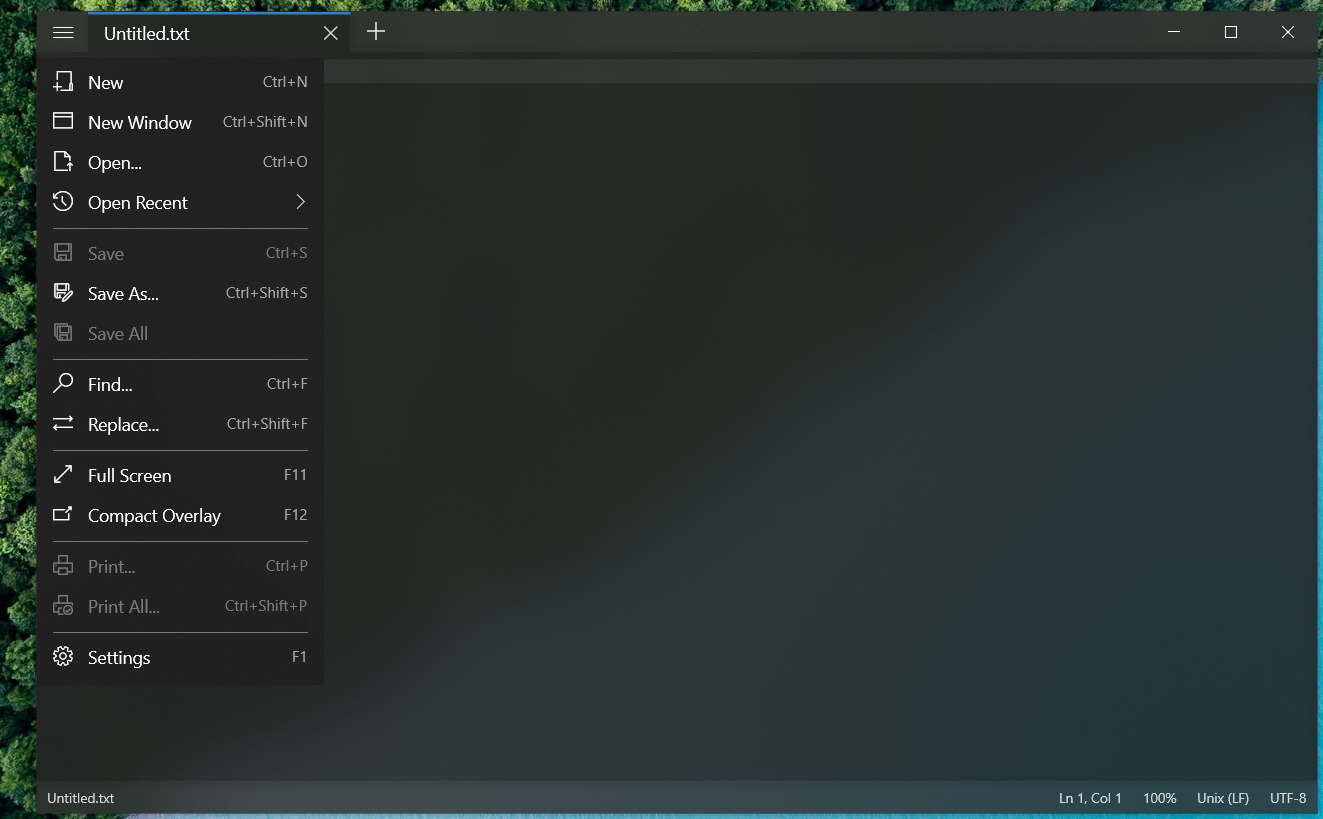
NotepadsNotepads AppNotepads is another open-source alternative to Notepad with Fluent Design and a tabbed view. Its GitHub page says that the developer created it after waiting a long time for a modern version of Notepad to be released.
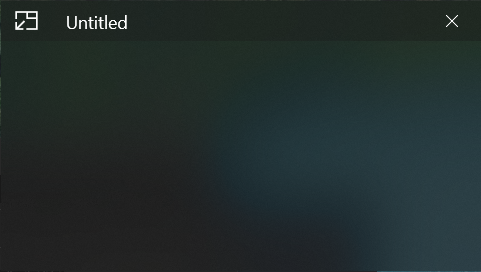
Quick Pad is also open source and uses Fluent Design. Quick Pad is closer to Microsoft Notepad because it has no tabs and uses a classic menu bar. It has some extra features, though,Quick Pad in compact overlay modesuch as a focus mode that removes all the extra options from the screen and a compact overlay mode that turns it into something like a sticky note.
There is one problem with both apps. If you use the hibernate feature, or your laptop is set to hibernate after a few minutes of sleep, the previously running app instance will not resume. This means any unsaved text is lost. That doesn’t happen with Win32 apps such as Notepad or Notepad++. I think this has something to do with the UWP app architecture because the same thing happens with Windows Calculator. I hope it gets fixed or the developers find a workaround.
Until then, always remember to save the file before leaving your PC unattended, or disable the hibernate feature.
There are some other problems, such as being unable to write to system folders or handle large files. But they don’t hamper my day-to-day usage because I don’t use these apps for advanced text editing. For me, either app is simply a Notepad replacement, and I wasn’t using Notepad for anything complex anyway.