Windows Ink Workspace is a great addition to Windows 10. Thanks to this tool, annotating has never been easier.
However, Windows 7 still has a rock-solid position in the market. Besides corporate users, many personal users, including my relatives, still use Windows 7.
When I use their PCs, the only way to create a screen sketch is to take a screenshot in Paint and draw on it using Paint. This method is not bad, but it doesn’t fit smoothly into my workflow, mainly because it involves too many clicks.
A Third-Party App to the Rescue
Epic Pen is an application that puts a toolbar on the screen with tools such as a pen, highlighter, and eraser.
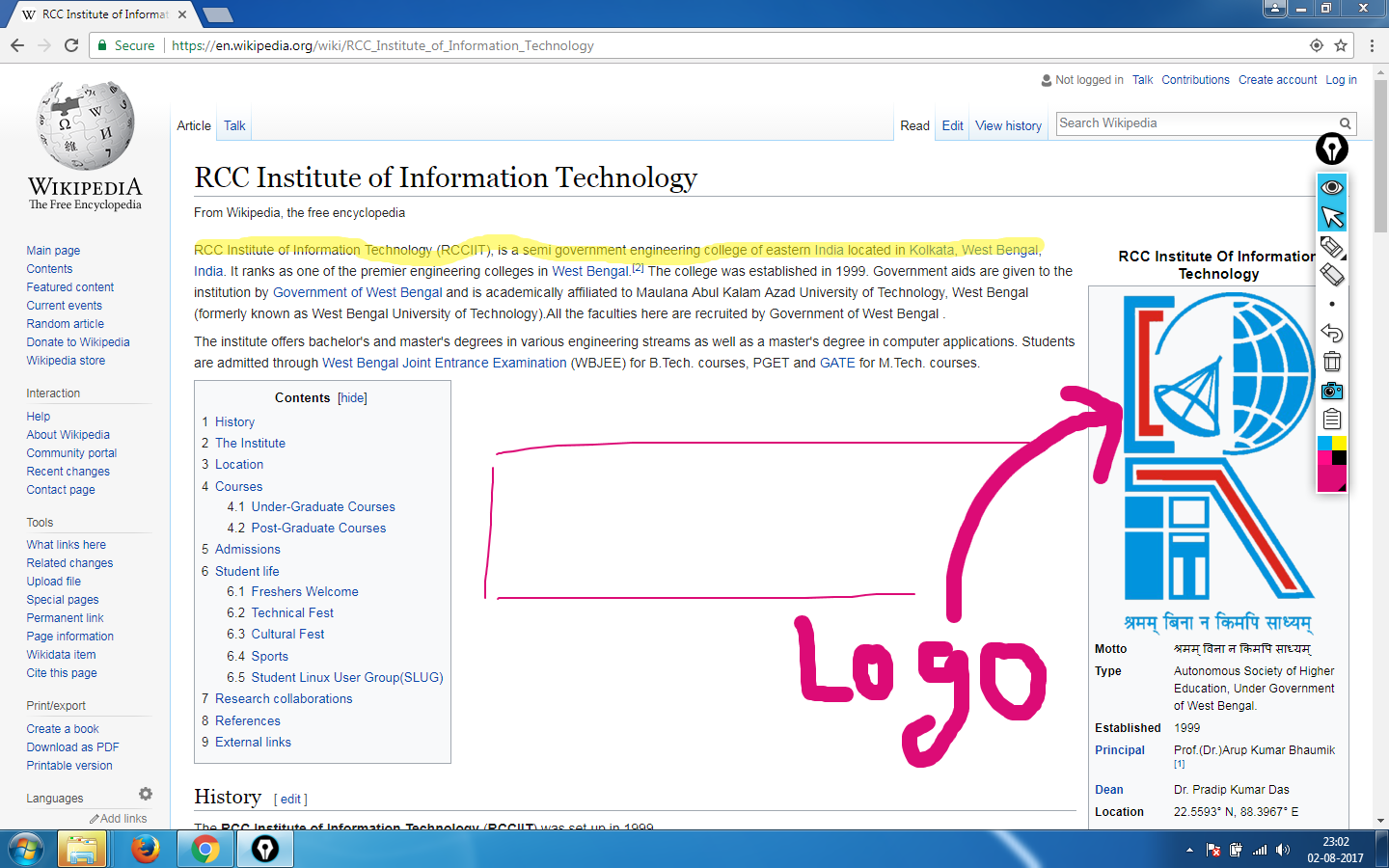
The only basic difference in the workflow is that in Epic Pen, you first draw on the screen and then take a screenshot, while in Windows Ink Workspace, you first take a screenshot and then draw on it.
Epic Pen is free for personal use and can be downloaded from the official website.